
Find the best sites with Constraint Layer
Use your constraint profiles to create a layer to visualize what areas are considered not buildable. Within minutes, you can identify promising locations and save them in Glint Solar for future reference.
How to use
| 1. Create a new constraint profile unless you already have one. | 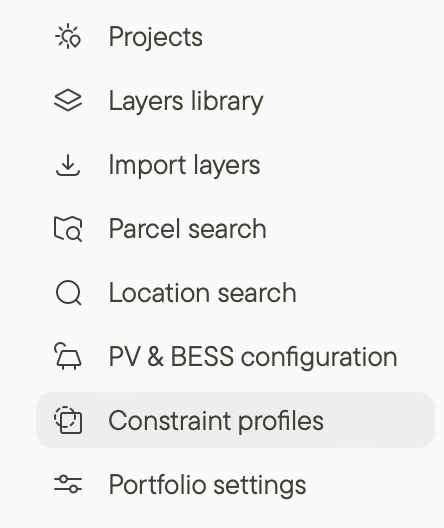 |
| 2. Click the Constraints icon in the top right of the screen. | 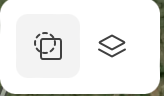 |
3. Select the constraint profile that you would like to visualize or add new constraints if you just want to do a quick check.
- Example: Search for land within 3 km of a substation larger than 66 kV.
- Example: Search for parcels of land larger than 10 ha.
- Example: Search for land outside flood risk areas
4. Turn Constraint Layer on or off by clicking the toggle in the top part of the modal.
You can adjust the Constraint Layer color and opacity by clicking the pipette icon.
Additional resources
Learn more about importing data as a layer in <How to import to Glint Solar> and Importing data as a layer.
Learn about using layers and filters to find the best sites in Filtering to find the best sites.