
Site control explained
Using site control features you can keep track of the process to secure control of your site and quickly understand how changes impact your layout.
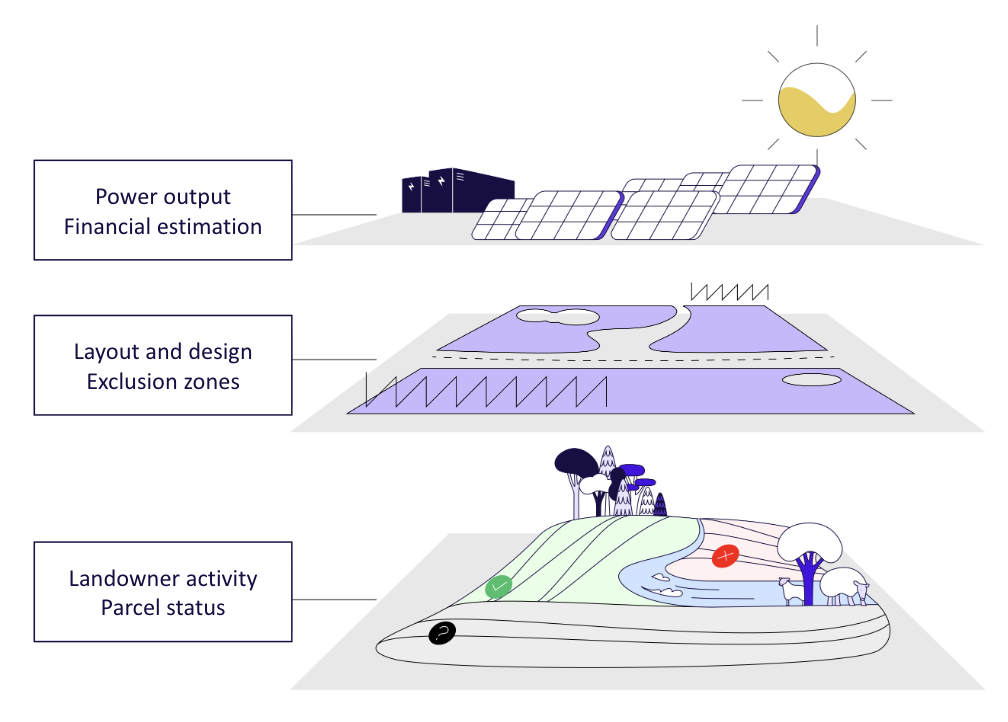
Site control includes
- Parcels for managing any parcel involved in your project
- Contacts for an overview of people involved like landowners
- Comments to make notes about ongoing activity
- Files to attach photos, documents and other assets
Parcel management
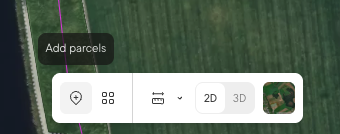
Parcels enable you to track status of each parcel that is to be included in the project. You add parcels to the list by locating the Add Parcel tool in the toolbar in the bottom of the screen.
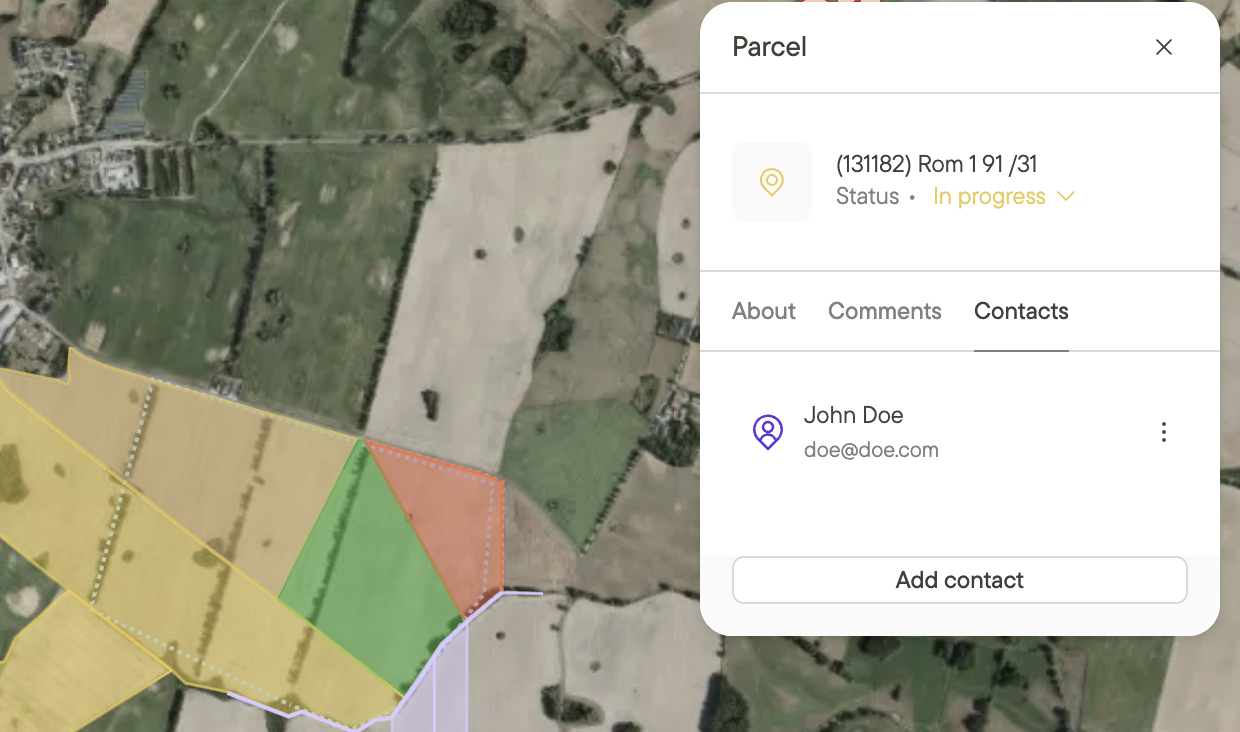
On each parcel you can set a status indicating whether you have obtained it or not, provide comments including files, and keep a list of contacts such as the landowner.
Contacts
A contact is any stakeholder connected to your project overall or to specific parcels. This is most typically the landowner, but it could also be grid operators, municipal, and similar. You can keep track of your contacts. Contacts can be added to parcels or directly to projects.
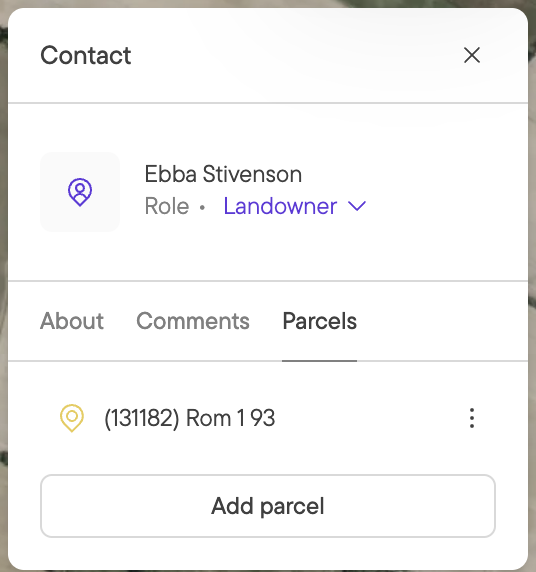
Contacts are made available for the whole company so you can add and reuse contacts, as well as keep an overview of all contacts in one way. Please note that contacts come with a set of default properties but you can add more using company properties to fit your company needs.
Comments
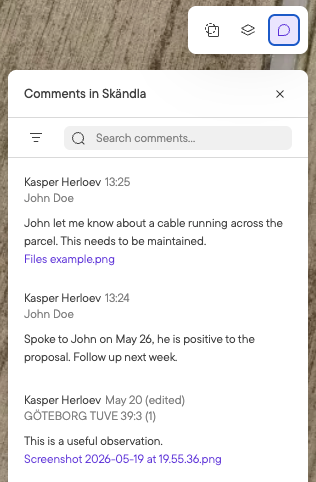
Keep track of decisions, interactions and more with comments. You are able to write comments both for the project and on points in the map, as well as any parcel and contact. Comments can be seen on each entity and they are aggregated in the comments tab in the upper right corner.
Files
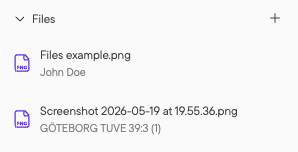
You can upload photos, documents, and drawings to Glint Solar both directly in the Files tab as well as by attaching them to a comment. This makes it easy to keep track of assets from a specific contact or for a particular parcel in the project.
API consumption
Parcels and contacts are available through our API enabling syncing of data across systems. Learn more in our documentation for the API or get in touch directly.