
BESS: Exporting
Export
BESS objects
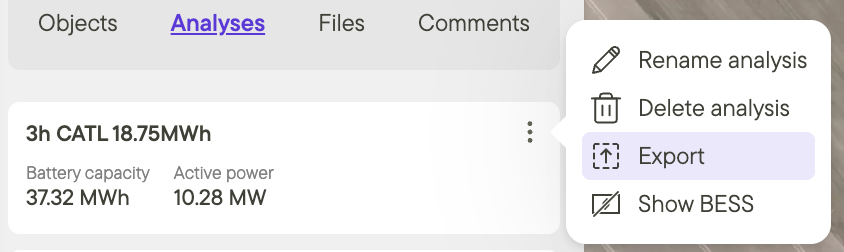
To export BESS objects from a project, first create an analysis. Then:
- Click on the analysis.
- Click on the three dots in the top right corner.
- Click Export.
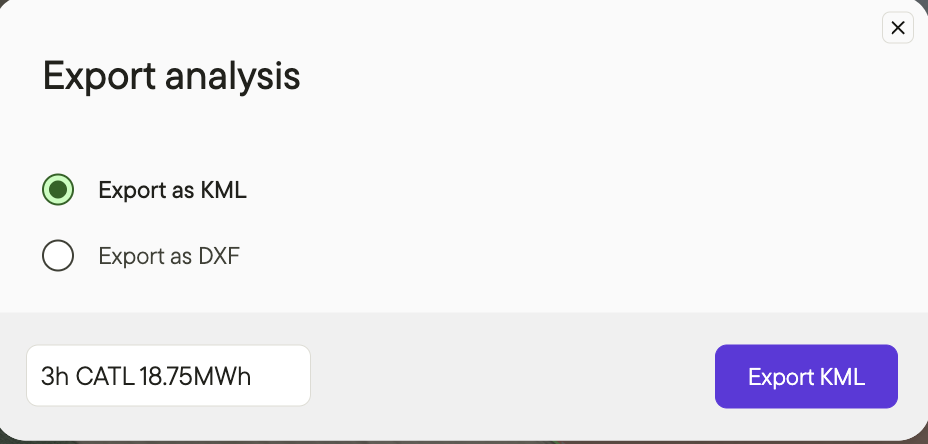
- Select Export panels as DXF or KML.
- For DXF, choose the appropriate georeference.
- Click Export.
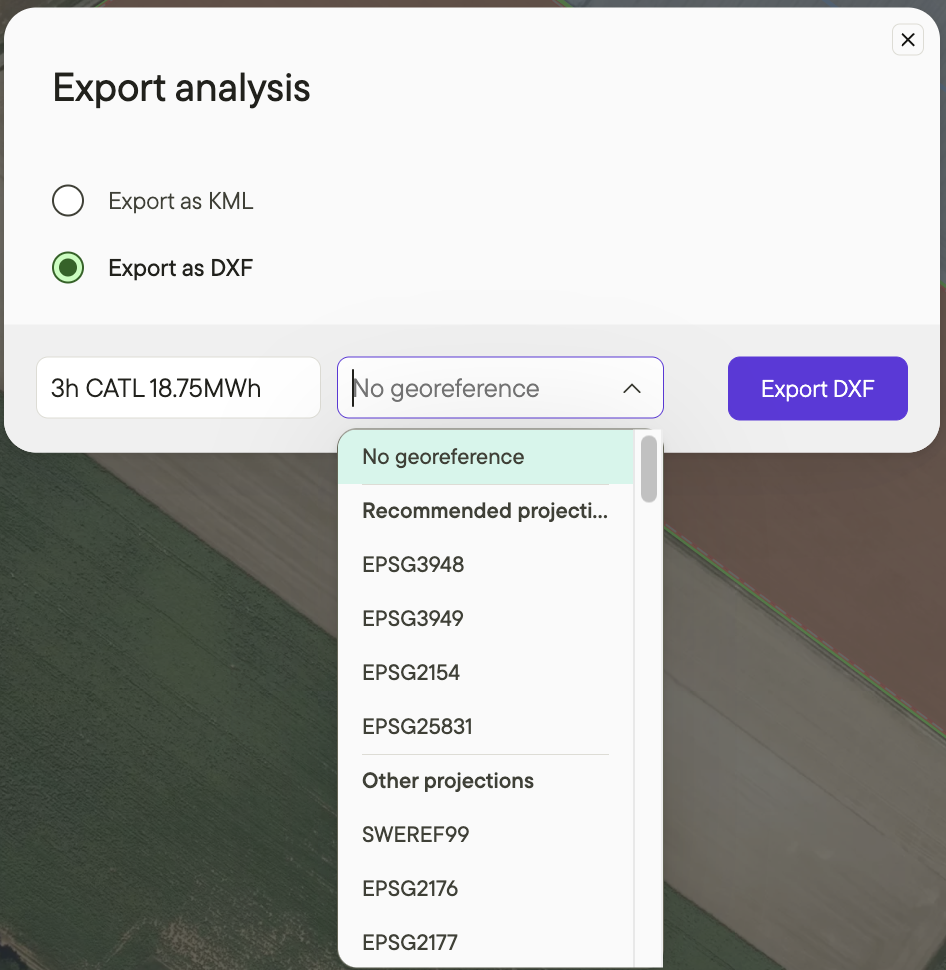
When exporting to DXF, you have the option to set georeferencing. For AutoCAD exports, we recommend:
- Setting appropriate georeferencing for the site's country location.
- Setting the same georeferencing in AutoCAD when importing the DXF file to match what you set in Glint.
Glint will recommend projections for your DXF export.
- You'll see a warning if the selected projection isn't recommended for your project.
- Projections are ordered by precision, with the most precise option listed first.
- Use the searchable projection selector to find specific projections quickly.
For questions about georeferencing and exports, please contact us—we're happy to help.
Additional resources
For more detail on BESS configuration, please see the articles below: