
Organize project objects with groups
You can bundle objects into groups to organize the project in a smarter way. You can categorize objects by PV area, parcels, exclusion zones, roads or even different scenarios. Groups can be nested into sub categories for a flexible workflow.
Object groups and nested groups
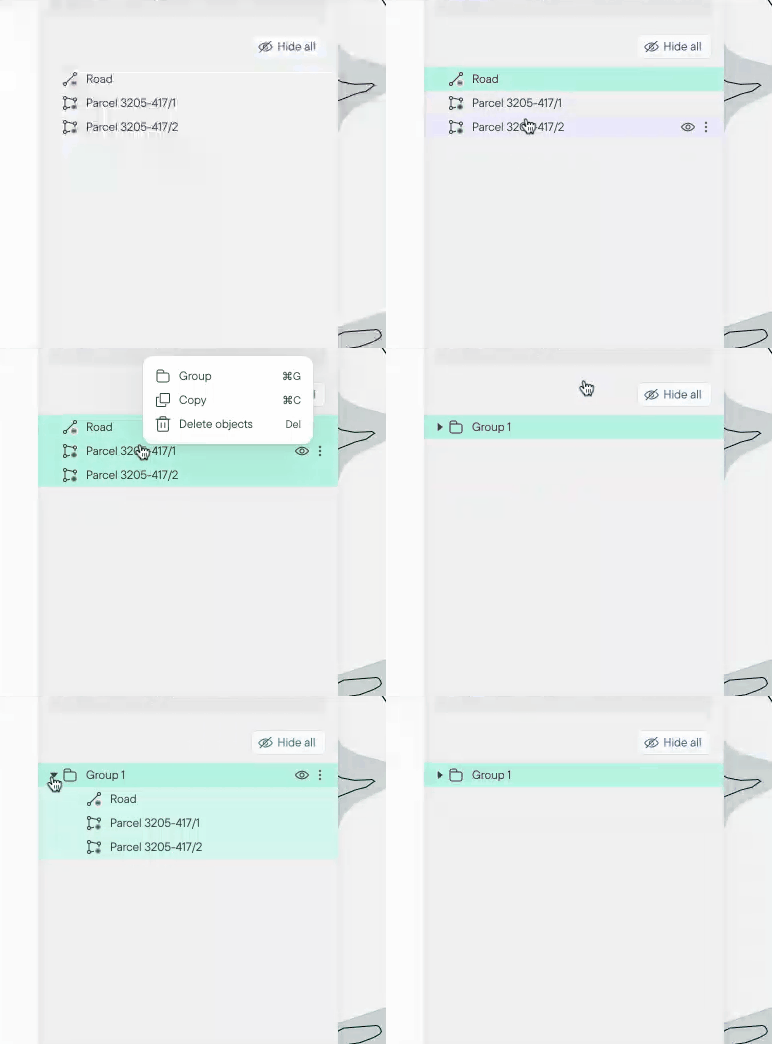
Show and hide whole groups at a time for a quicker project area overview. Select multiple objects by holding shift and right click to create a group. You can create groups within groups if needed.
Drag objects up and down to change the order
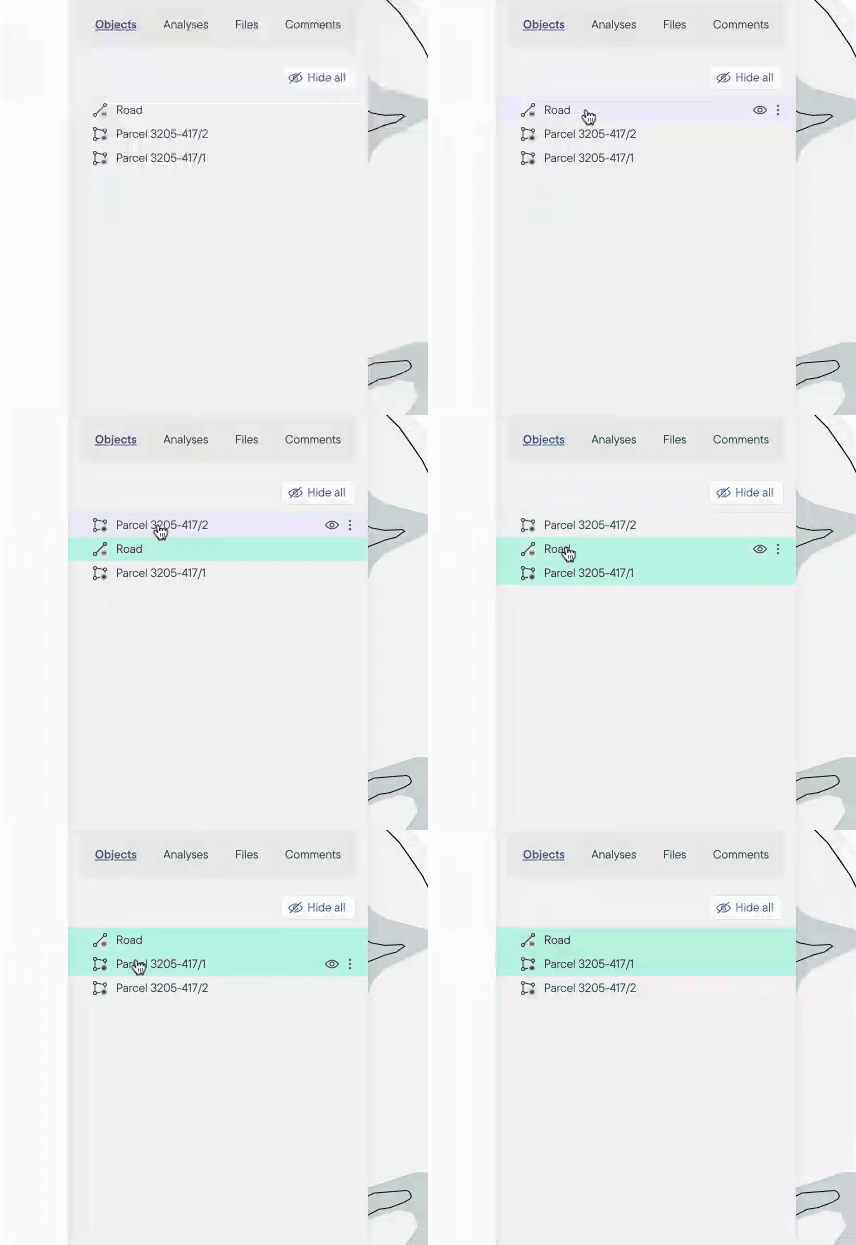
Move and drag objects up and down to change the order of the list.
Import/Export project files with subgroups remained
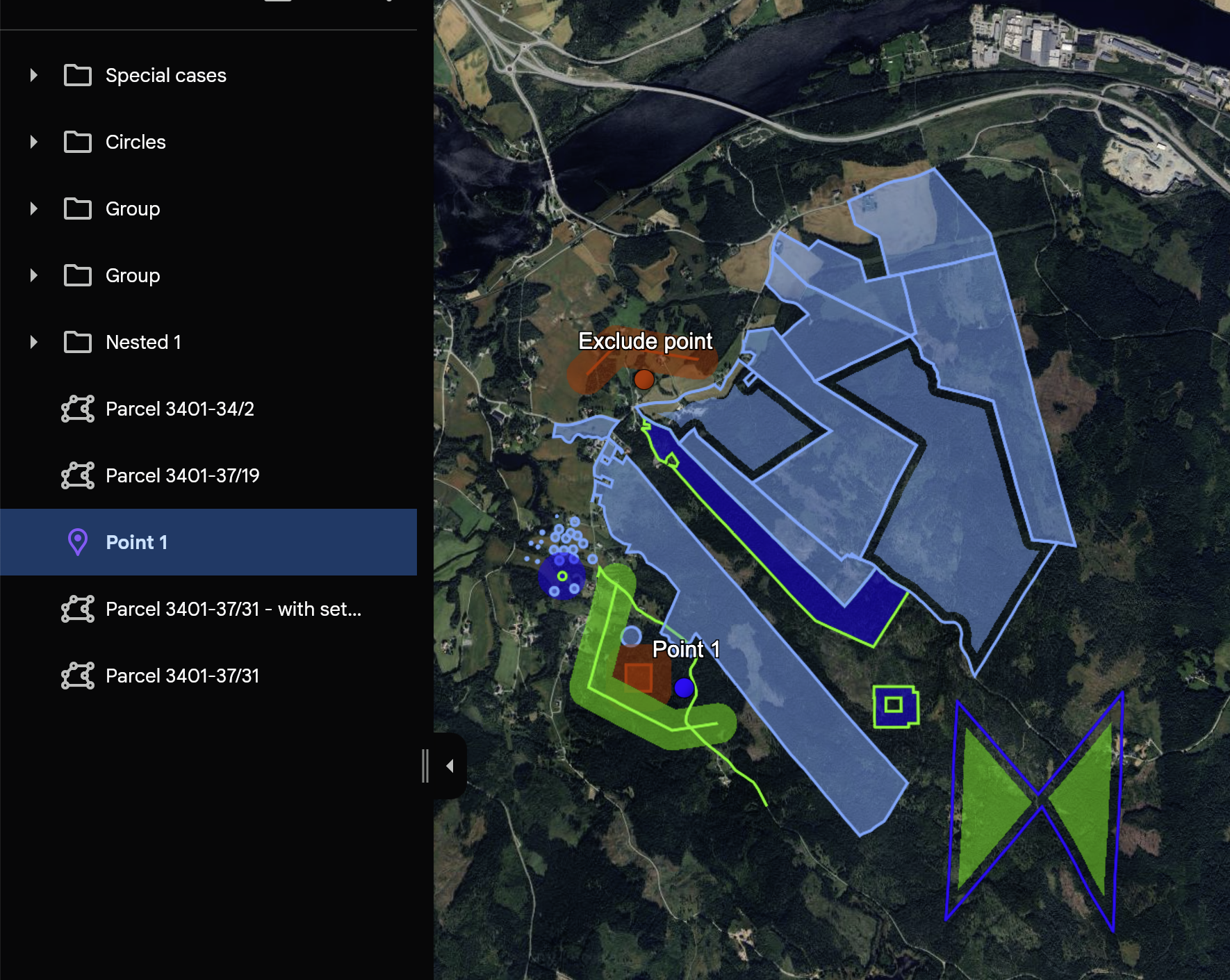
To make a seamless switch between your GIS tools and Glint Solar, importing and exporting project files (kml, geojson) keeps all subgroups intact.
Map export adapts to groups
Map export is a popular and powerful feature! Right click in the map and select 'Export map view' to create a professional looking print of the project. The displayed project objects will show in the legend list and will respect the groups.
Additional resources
Don't have a project yet? Learn how to create your first project.
Learn more about how to import and export to Glint Solar.
Find a complete guide of the map export functionality.