
Logging out
In this article you can find details of how you can log out of Glint and under what circumstances you will be automatically logged out. Understanding these scenarios ensures that you can manage your sessions effectively and keep your account secure.
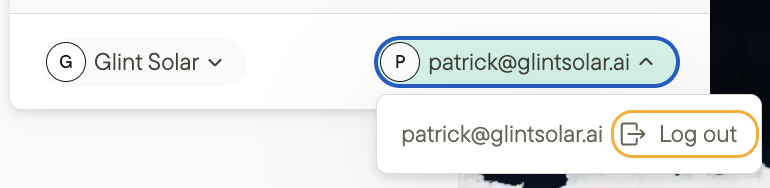
You can log out by:
- Clicking on the portfolio button in the top left of your screen.
- Click on your email address in the bottom of the window that appears.
- Clicking Log out.
When you are logged in:
- You are logged in across tabs and browser windows in a single browser.
- Closing a tab will not log you out.
- Closing the last browser window will log you out.
- Explicitly logging out in one tab will log you out of all tabs.
- You are logged in for 5 days if you do not close your browser.
- Every time you use the product your session is extended by another 5 days.
Additional resources
If you have any additional questions please check out our most frequently asked questions or contact us directly.