
BESS: Custom sets
BESS design in Glint is built on a basic building block called a set. A BESS set is a number of elements (MV station, batteries) that are then replicated to fill out your BESS area. Your BESS set is defined in the BESS configuration you have chosen.
There are two ways of defining a BESS set:
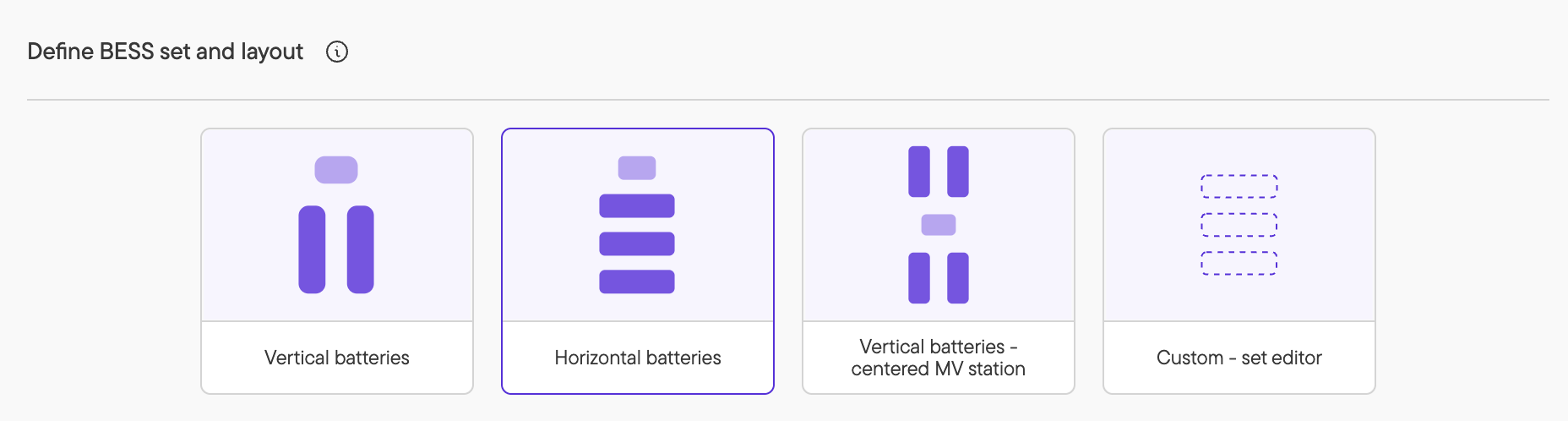
- Using the predefined arrangements: Choose one of the three arrangements (Vertical batteries, horizontal batteries, Vertical batteries - centered MV station), customize it using the form. This is the quickest, easiest way and covers most cases in your early-stage designs. In this case, you can only have one MV station per set.
- Defining your own fully-custom BESS set: If you need more control over your design, you can use the fully-custom drag-and-drop editor to define a set. You can manually set every distance, and rotate every element.
Notes:
Once you have started modifying a set using the drag-and-drop set editor, you cannot move back to using one of the pre-defined arrangements. If you do so, the changes you have made in the custom set editor will be lost. This is due to the fact that the set editor allows for set layouts that are not supported by the pre-defined arrangements.
You can, however, start from a pre-defined design, then further edit it with the custom set editor.
Additional resources
For more detail on BESS configuration, please see the articles below: